Touch Panel
Turns an Android tablet into a wireless control surface for a Windows PC: audio mixer, Discord, soundboard and shortcut keys. The layout is edited directly on the tablet.
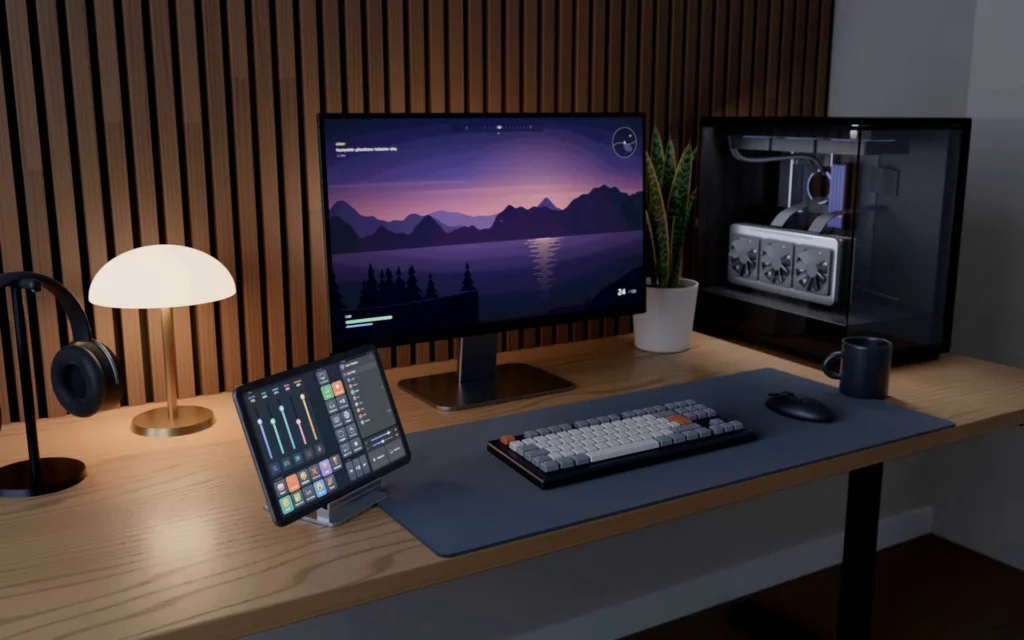
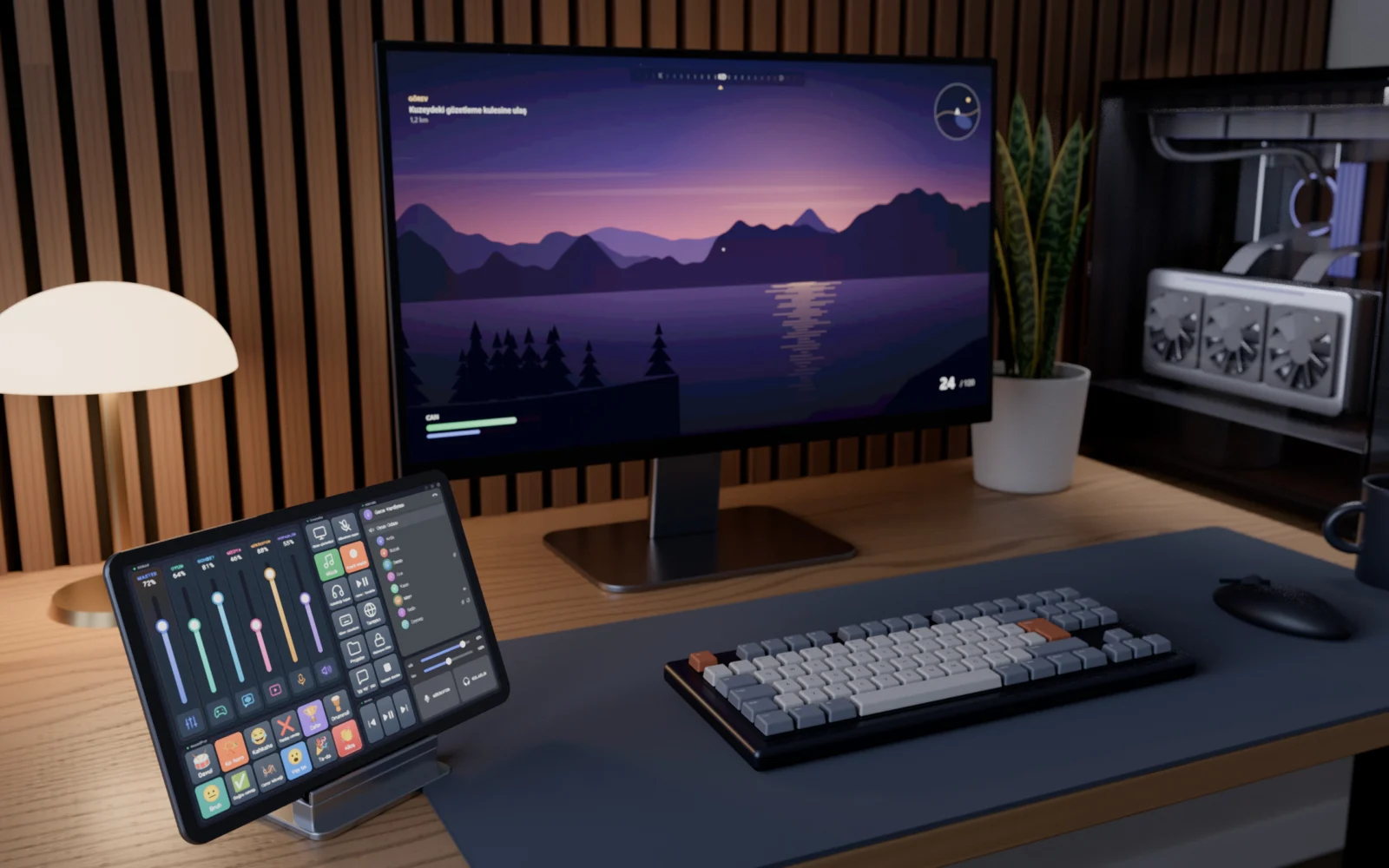
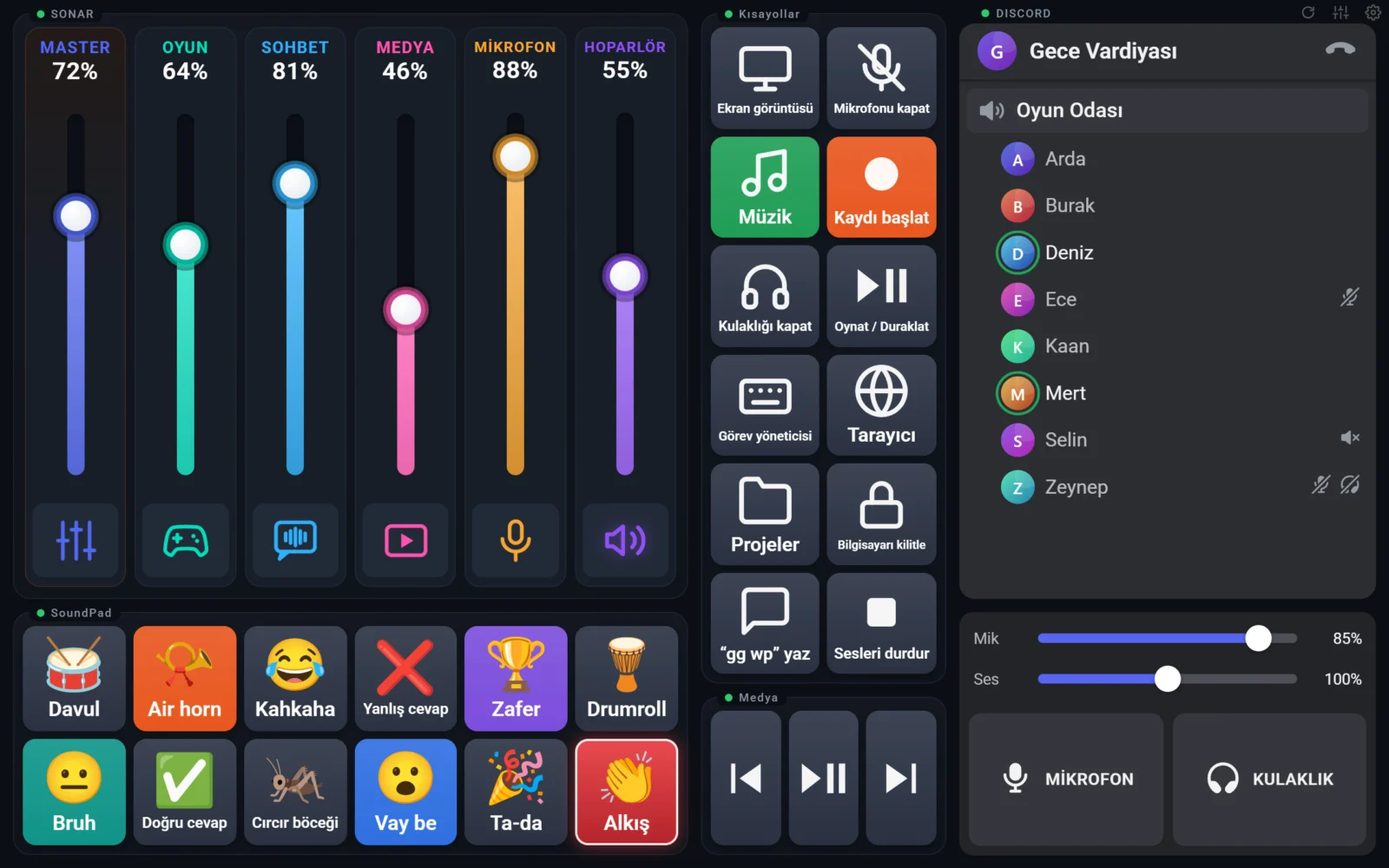
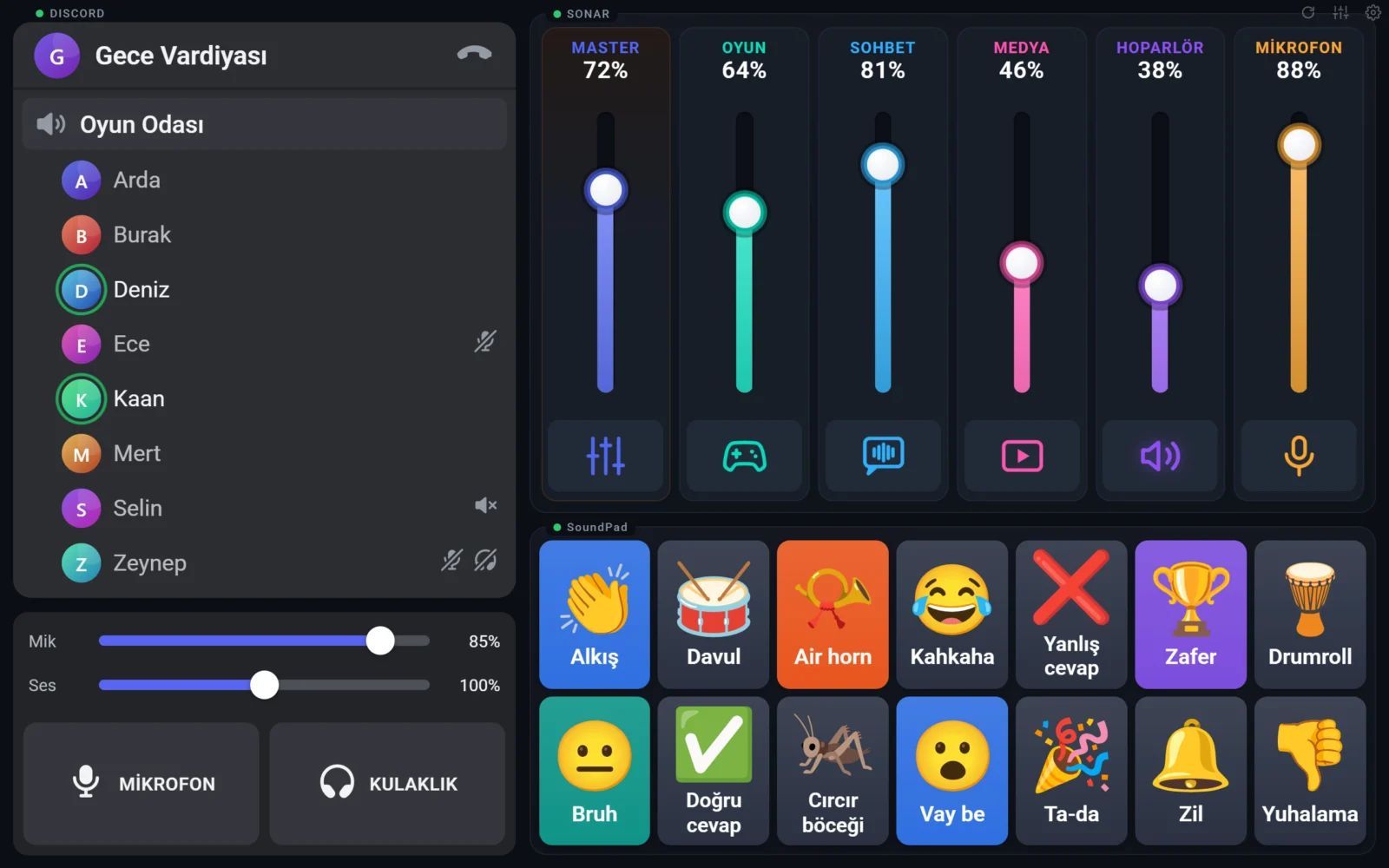
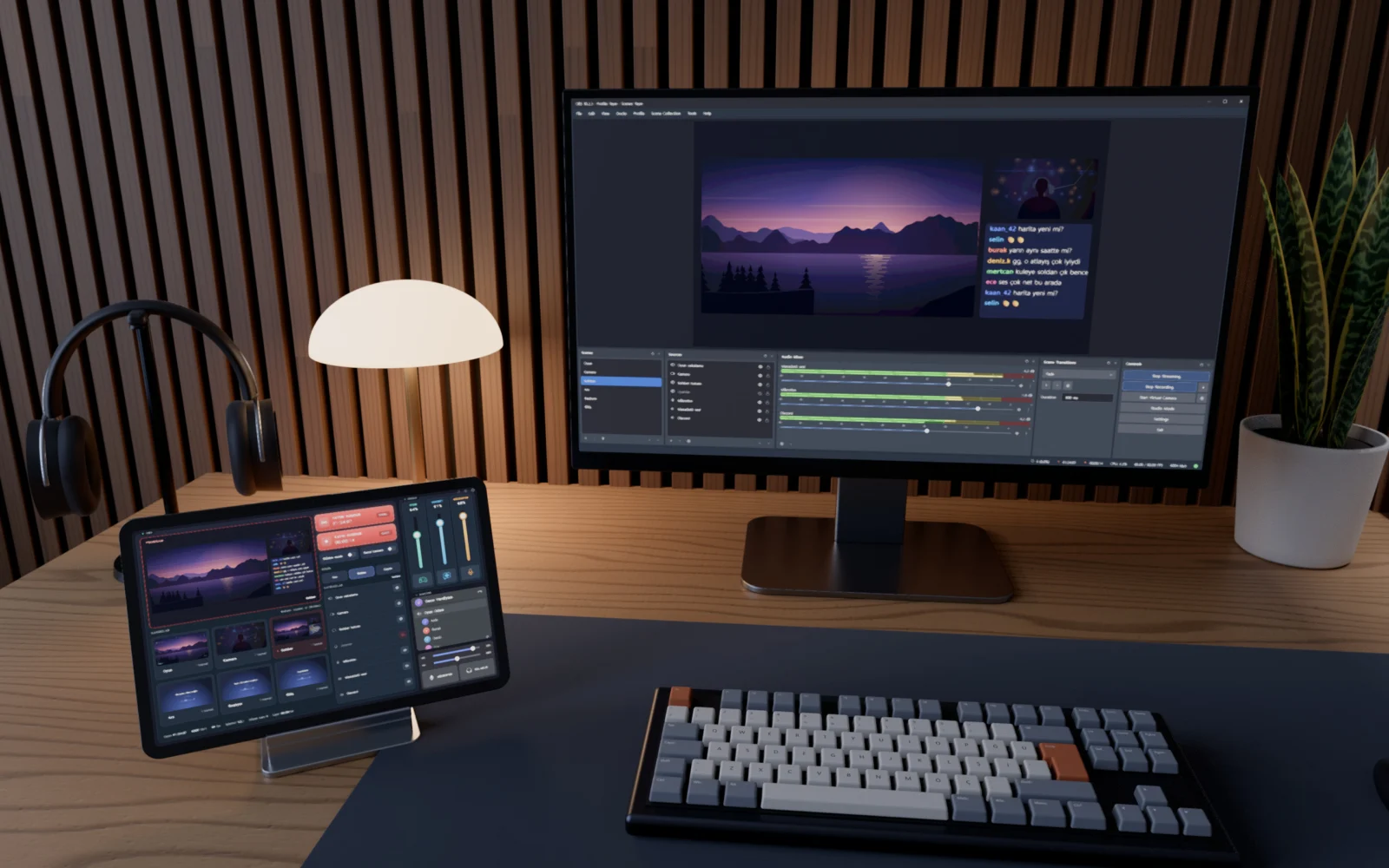
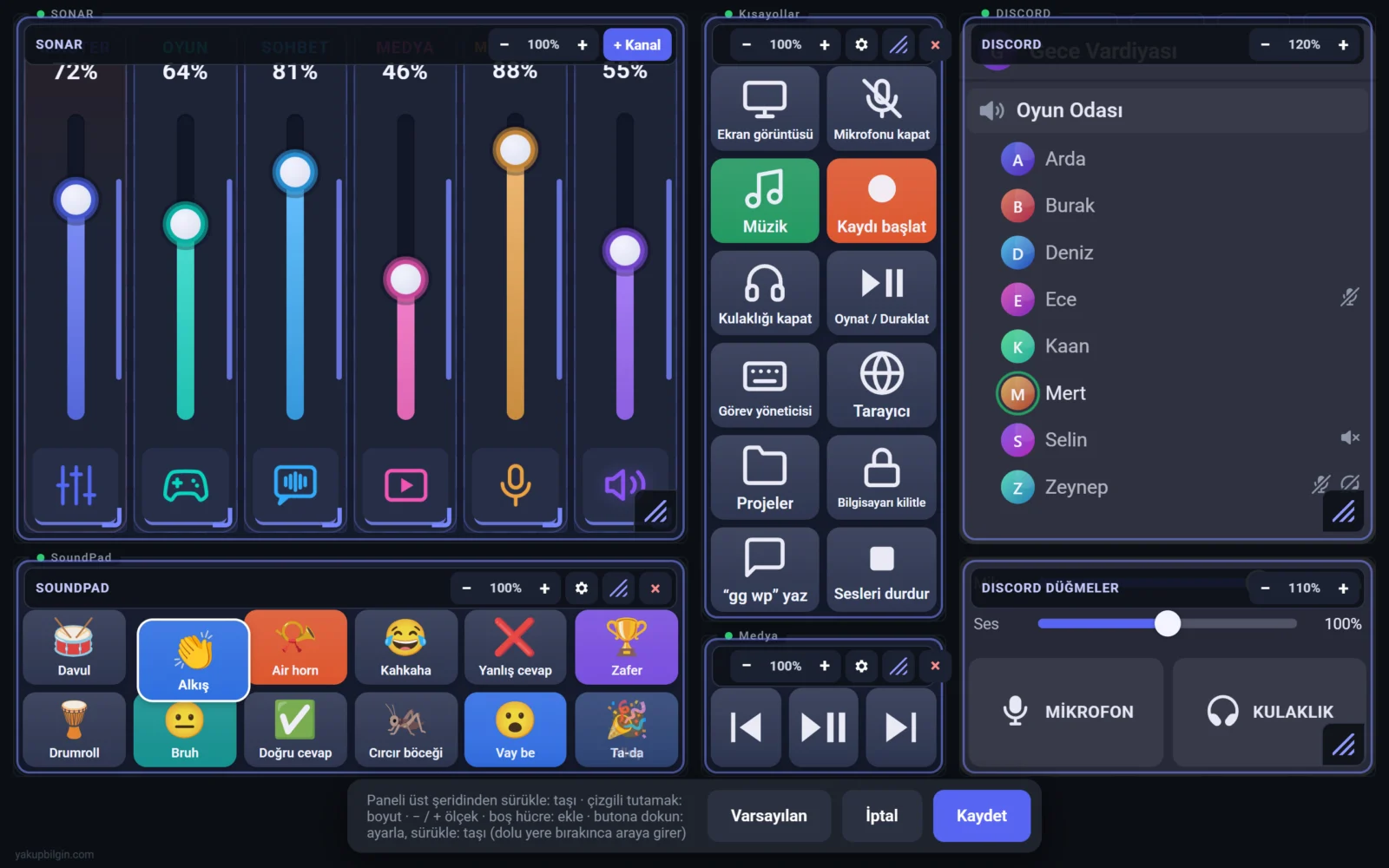
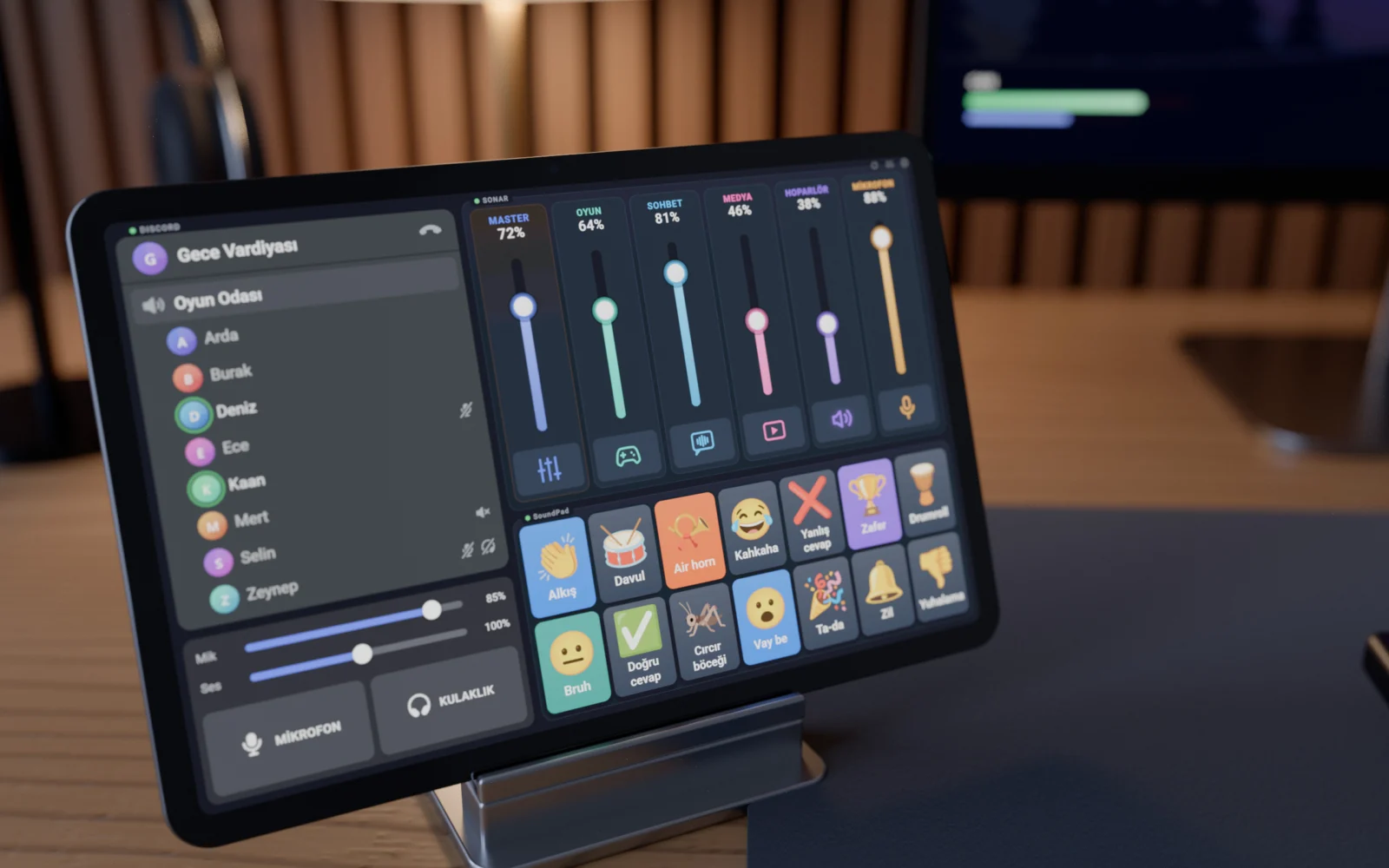
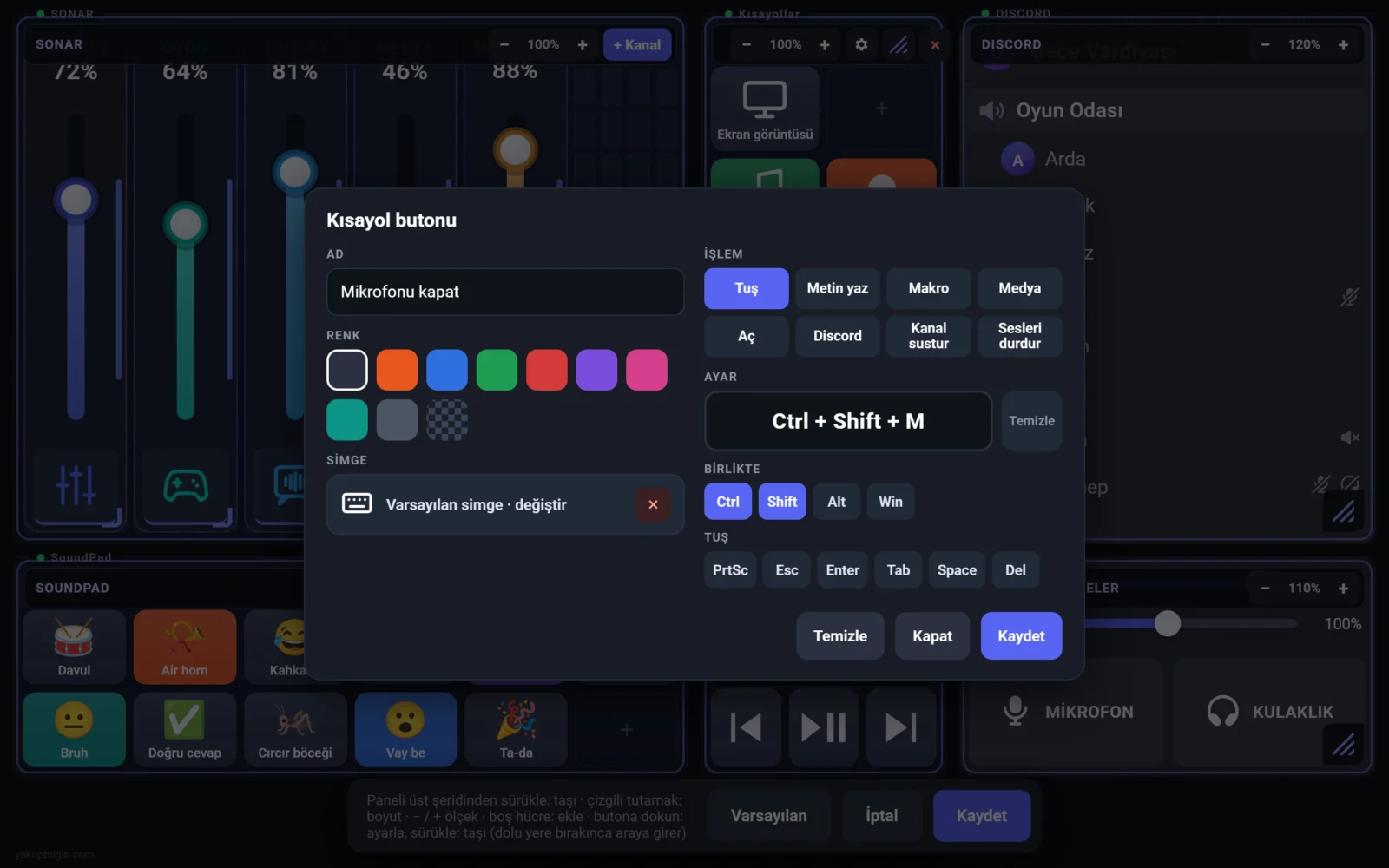
Touch Panel turns an Android tablet on the desk into a full-screen control surface for a Windows PC. Audio device levels, the Discord voice channel, sound effects and keyboard shortcuts are one tap away, and the layout is edited on the tablet itself rather than in a separate settings screen. The interface was tuned against measurements on a tablet with 1 GB of RAM running Android 10.
Architecture
- Service: a dependency-free Node.js service runs on the PC (HTTP + WebSocket). The audio mixer, Discord, sound library, shortcut actions and wireless access are separate modules.
- Native helpers: Windows audio devices are read and written through a C# helper using the Windows Core Audio API: device list, levels, mute and live events, with no polling. Keystrokes and text are sent with SendInput; sound buttons can play the same clip to several output devices at once.
- Desktop app: built with WinForms + WebView2 and running in the system tray. It supervises the service and restarts it if it stops.
- Tablet app: a full-screen WebView shell on Android that runs above the lock screen. Over USB it connects via ADB; when the cable is unplugged it switches to Wi-Fi in about 3 seconds.
- Discord: server, voice channel, speaking indicator, mic/deafen and per-user volume through the local RPC interface.
Highlights
- Wireless access and security: with wireless mode off, the service is not exposed to the network and listens only on 127.0.0.1. With it on, only private addresses on the same subnet are accepted; a new device shows a 4-digit code on first connection and is approved once from the PC.
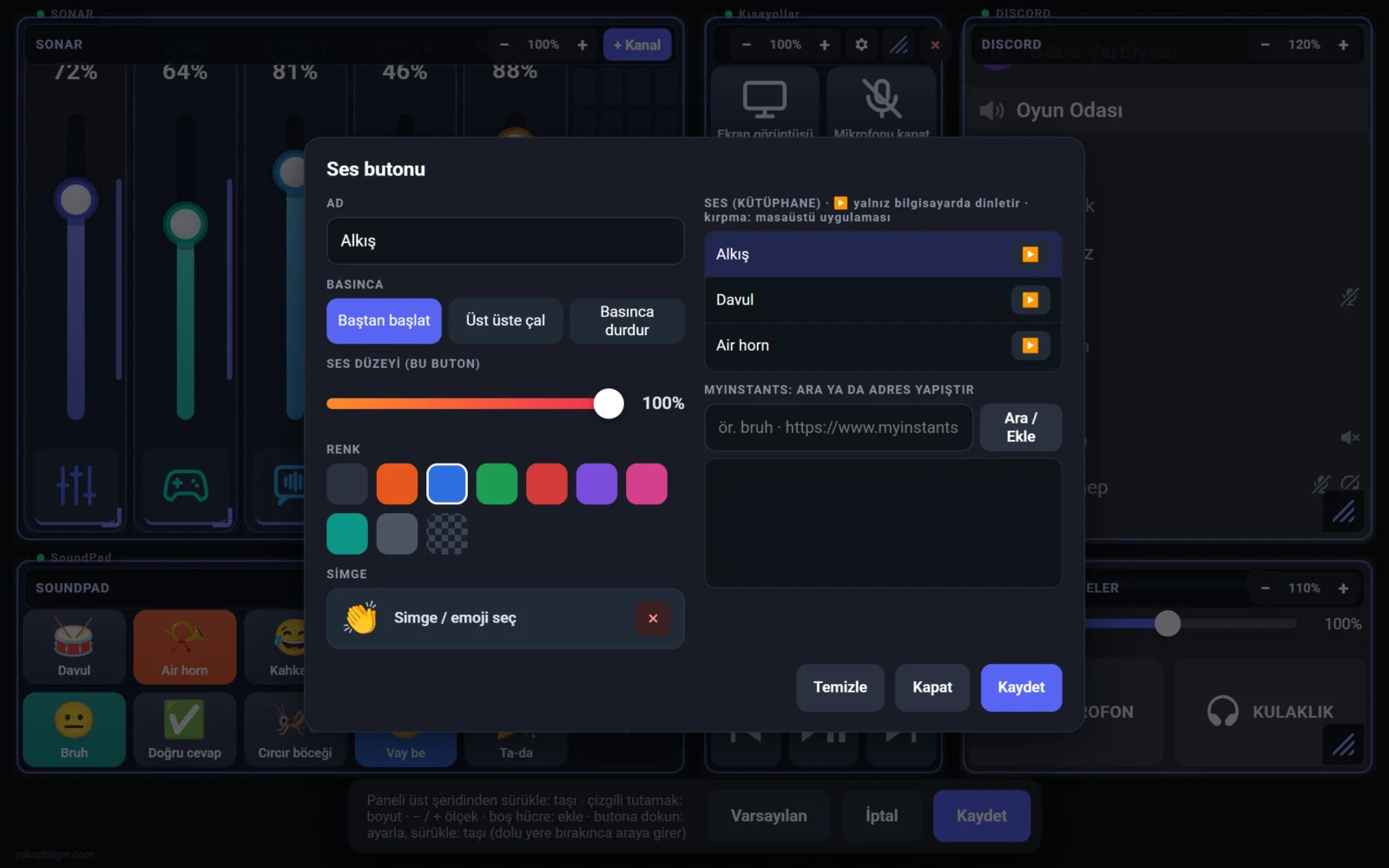
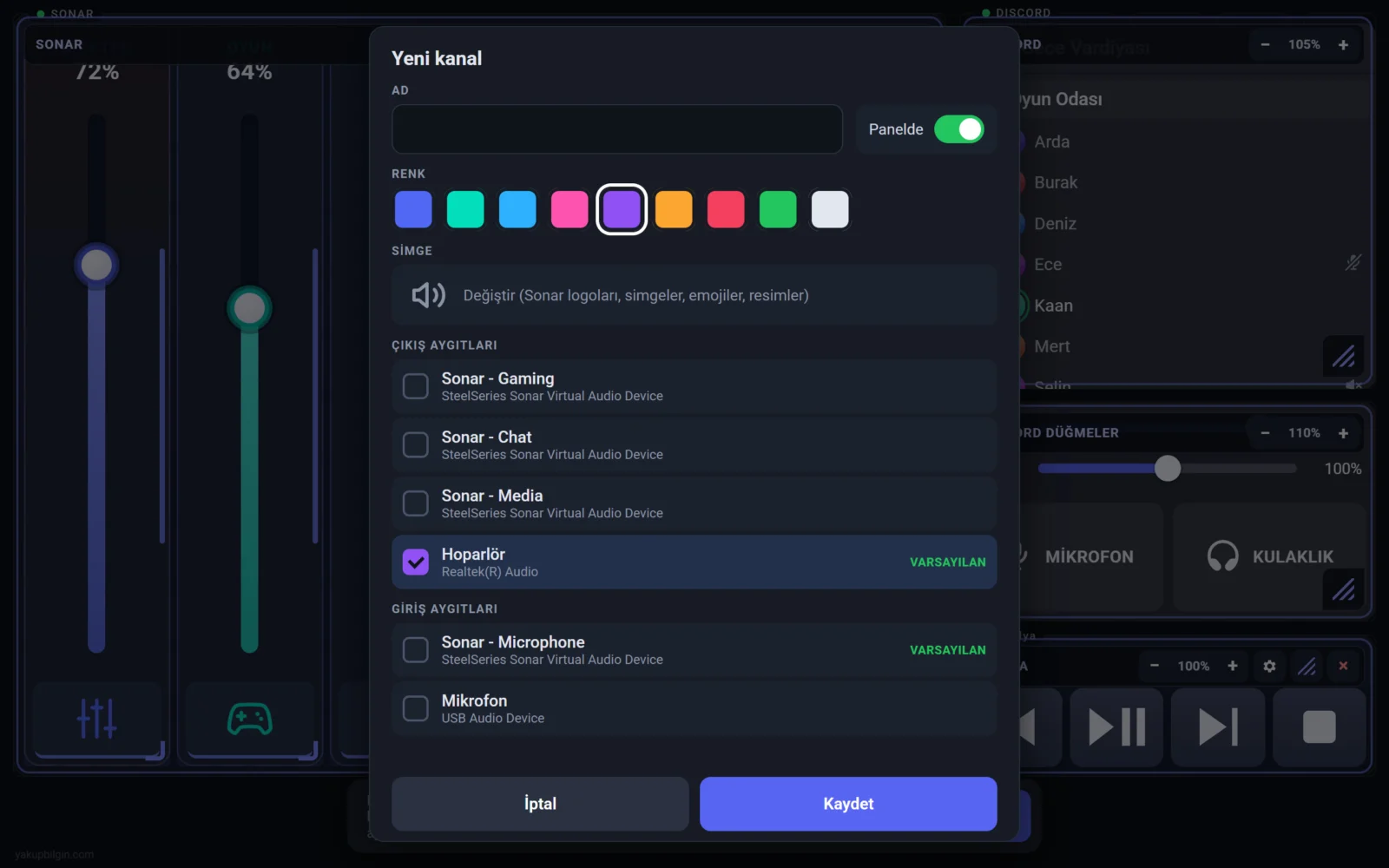
- Editing on the tablet: sound buttons (from the library or a Myinstants search; name, colour, emoji), shortcut buttons (key combinations, typed text, macros, media keys, launching programs or URLs, Discord mic/deafen, muting a mixer channel) and mixer channels (Windows audio devices are listed; several devices can be driven proportionally or equally). Sound files are added to the desktop app by drag and drop and trimmed there.
- Layout: buttons are rearranged by dragging; panels are moved, resized and scaled from 50% to 200% on a 16×10 grid. Portrait orientation keeps its own 8×20 layout.
- Audio mixer: Windows audio devices and SteelSeries Sonar channels. Groups such as Master scale their member channels together while keeping their ratios. Device writes are throttled, which cut Sonar’s CPU use while dragging Master from ~330 to ~125 ms per second.
- Soundboard: sound buttons play to both the headphones and the microphone, so the other side hears them too. Per-button volume and playback mode (restart, overlap, stop on press).
- Touch behaviour: sliders do not jump to the touch point; the value changes only once the finger clearly moves. Palm rejection: a contact on a button does not count as a press while another touch is active elsewhere.
- Performance: ~63 fps on the tablet during fast Master drags; ~0.6 ms from command to audio device. No blurred shadows, and frequently changing elements are driven by animation time.
- Session awareness: when the PC shuts down or Windows locks, the panel on the tablet closes too.
- OBS control (in development): scene switching, hiding and muting sources, stream and record buttons. Today OBS can be controlled through shortcut buttons (hotkeys defined in OBS); a direct OBS connection is not in the app yet.
Technology
The service is Node.js (HTTP + WebSocket) and the tablet UI is HTML, CSS and JavaScript. The Windows helpers are written in C# on top of the Core Audio API and SendInput; the desktop app runs on WinForms and WebView2. The Android app is a WebView shell written in Java; the tablet link uses ADB and the Discord integration uses local RPC. Touch latency and frame times were measured with real touches through Chrome DevTools over USB.
Note: tablet screens are taken from the app’s own interface, and the add-button and add-channel dialogs are the real editing dialogs. Button names, sounds, channel names, the Discord server and people are sample data. The OBS page on the tablet and the OBS window on the monitor are design mock-ups of the feature in development; the 3D scene is illustrative.
If you need a desktop tool that talks directly to hardware and the operating system, or a custom control interface, feel free to get in touch through the contact form.